Installation
How to Install
Simply go to the release page
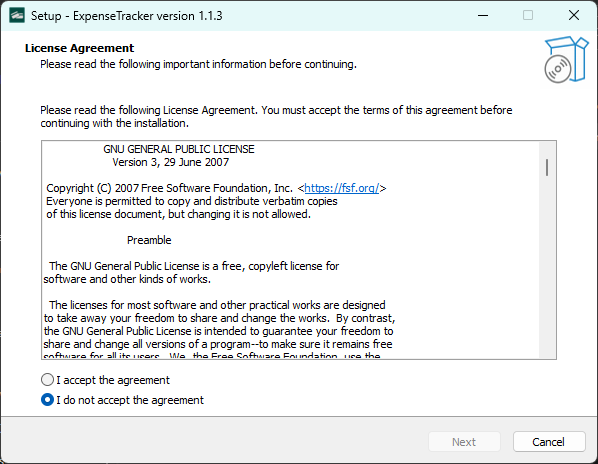
and run the ExpenseTrackerSetup.exe. Make sure to install it to the
directory you want.
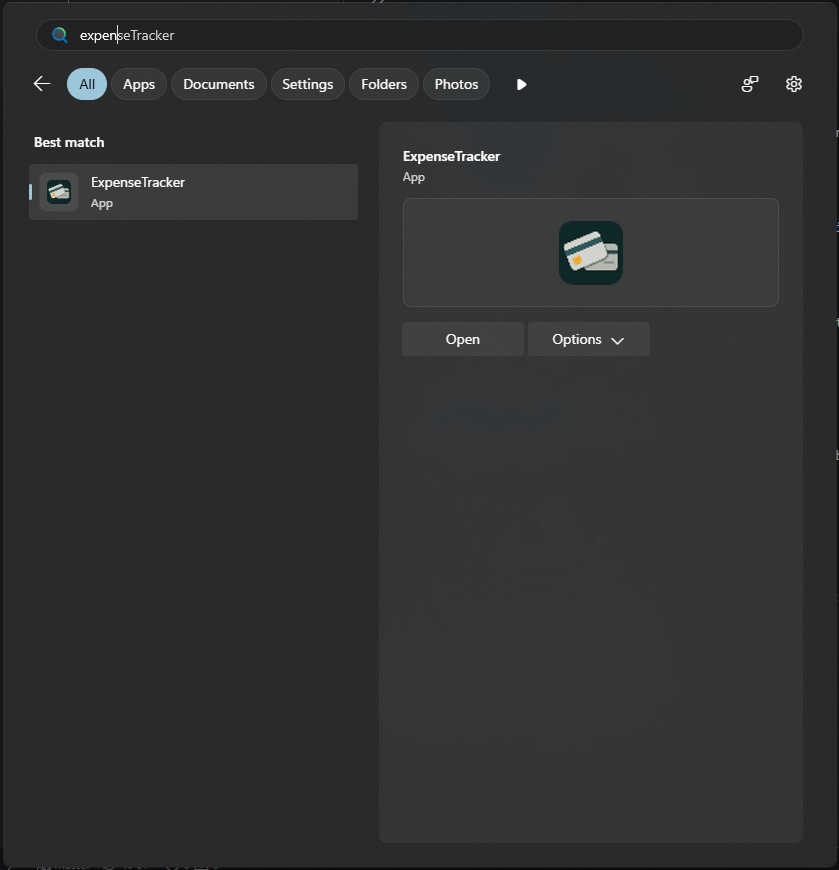
Once done, you can now run the Expense Tracker App.
Updating
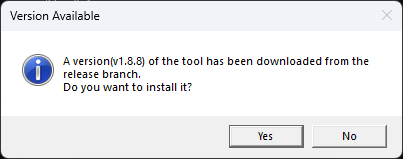
Updating is simple, just open the application and it will get the latest release from the repository. If you want to update, simply just press update then it'll begin the update process.